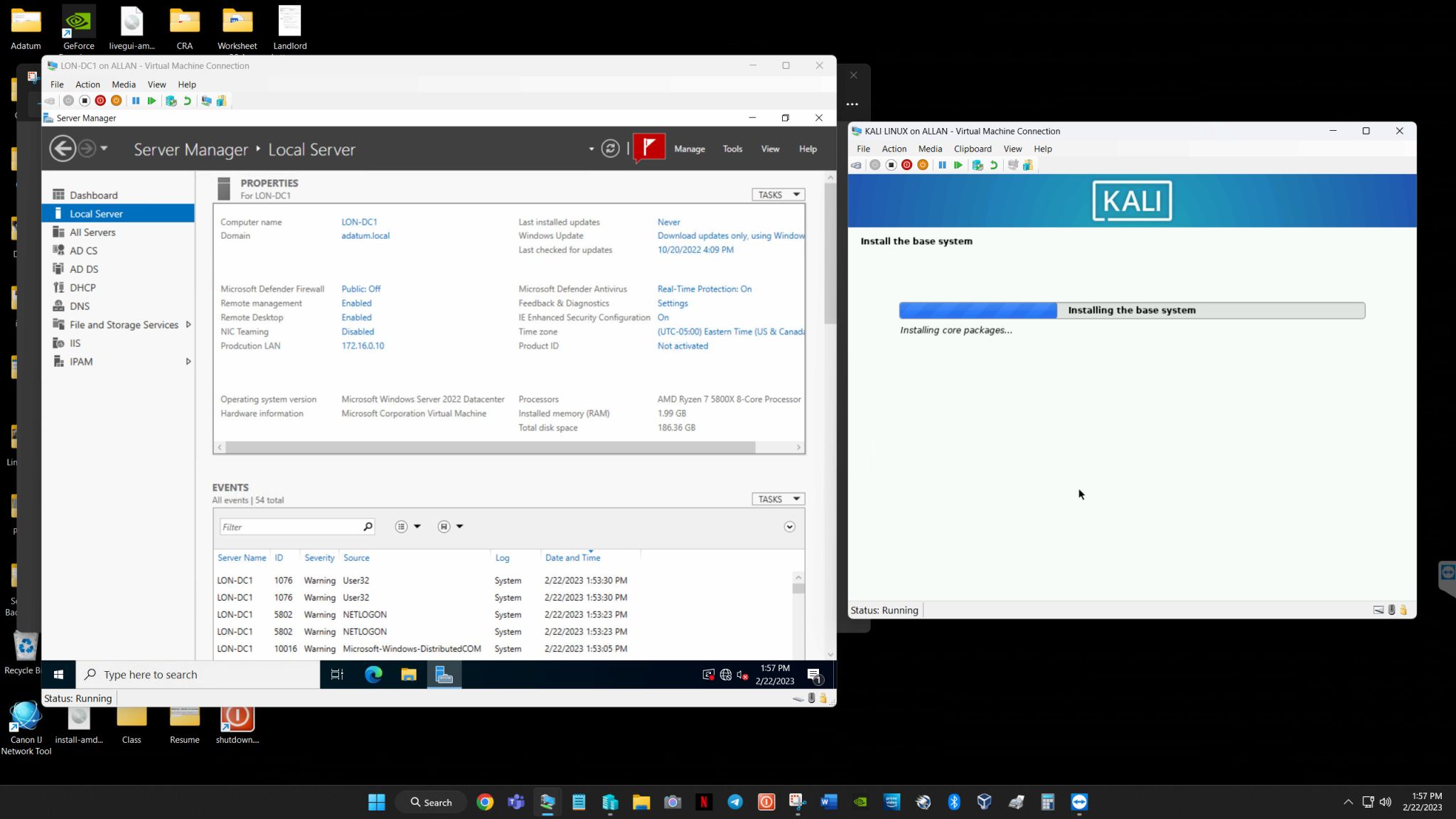
At The Noor’s Tech, we successfully installed and configured Kali Linux on Hyper-V, ensuring optimal performance and seamless integration with the virtualization environment.
Challenges Faced:
- Ensuring smooth installation and compatibility with Hyper-V.
- Configuring Enhanced Session Mode for better display and input control.
- Optimizing network settings for internet access and penetration testing tools.
- Improving performance and responsiveness within the virtualized environment.
Our Solution:
We fine-tuned the Hyper-V settings to provide a smooth and lag-free experience. After installing the system, we configured display settings, network adapters, and Hyper-V Guest Services to enable clipboard sharing, file transfers, and better overall usability. The final setup ensured Kali Linux runs efficiently within Hyper-V, maintaining full functionality for penetration testing and cybersecurity tasks.